
Activation Guide
How to Activate Windows 11 (All Versions)
20
Jan
Jan
Step 1: Open Activation Settings
Choose your language, time format, and keyboard layout before starting installation.
-
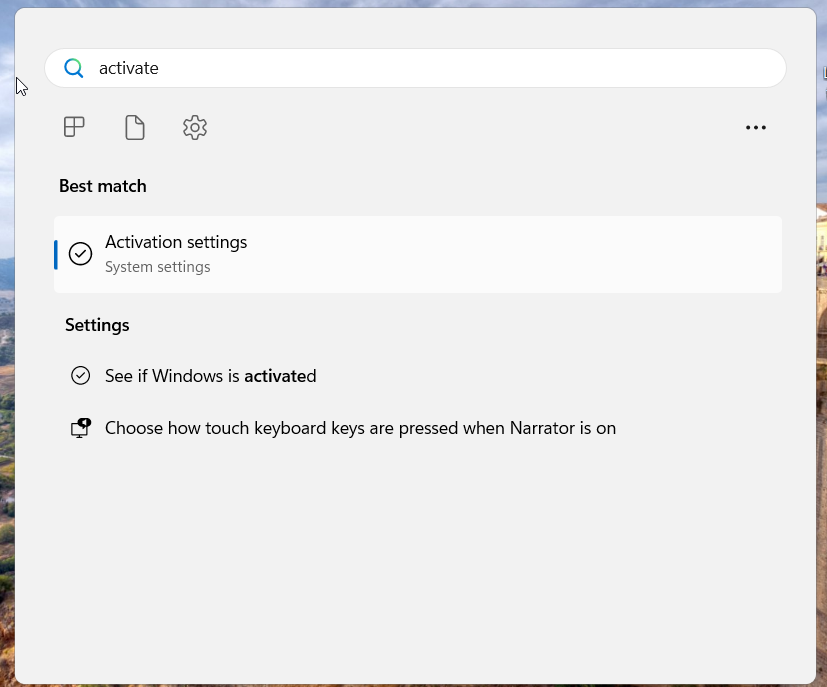
On your desktop, press the Windows key
-
Type Activate in the search bar
-
Click Activation Settings from the results
Step 2: Enter Your Product Key
-
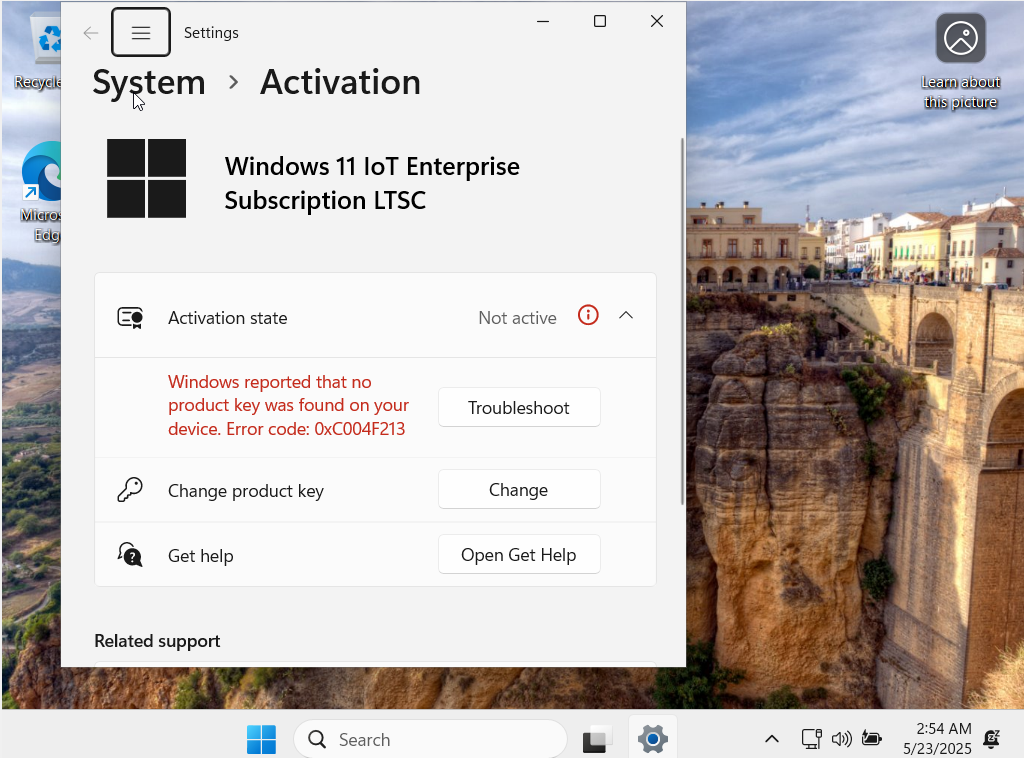
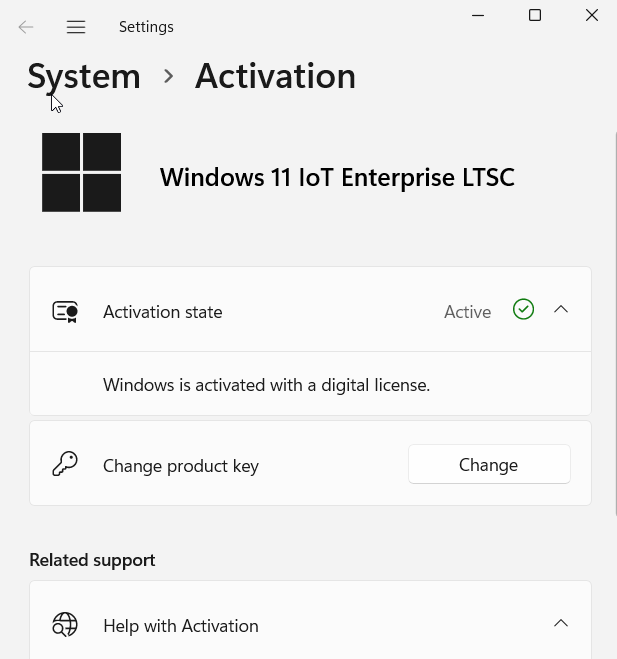
In the Activation window, click Change product key
-
Enter the 25-character key you received after purchase (e.g.,
XXXXX-XXXXX-XXXXX-XXXXX-XXXXX)
Step 3: Click Next, then Activate
Input your product key or skip if you plan to activate later.
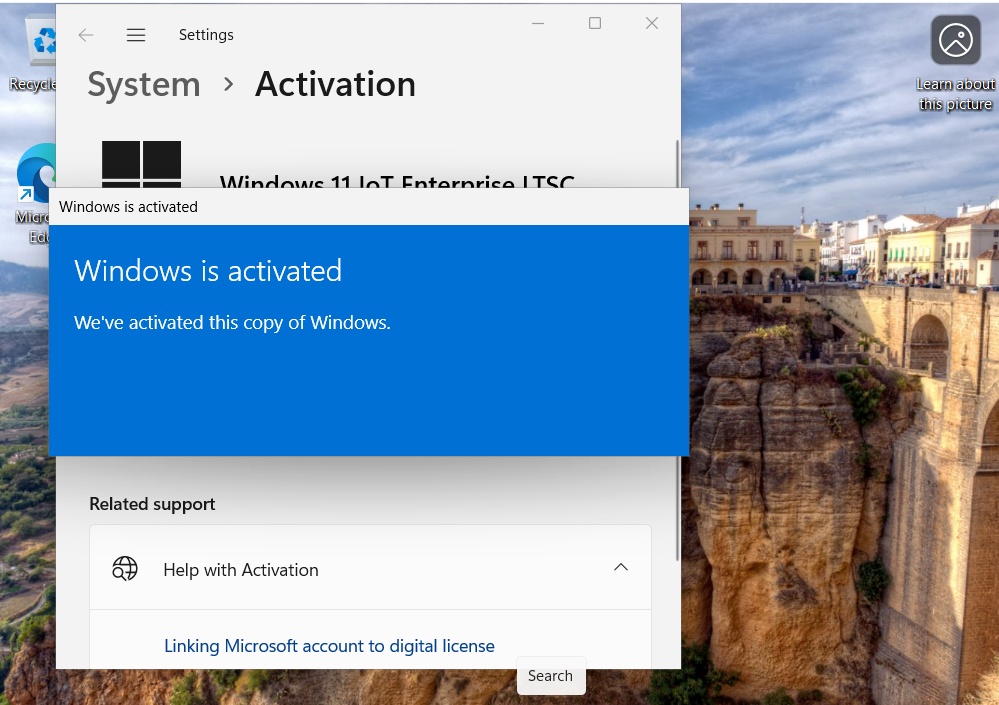
Step 4: Check If Windows 11
Check that Activation State shows ‘Active’ with a digital license.
Don’t Have a License Yet?
If you haven’t purchased a key yet, you can get a genuine license from our store:

